

Quickstart
Create an app, sign a user in, and read your data over the API — in about five minutes.
By the end of this page you will have a running app with a real table and an authenticated API call returning your own data.
You need a console account. Everything else is created as you go.
Create an app
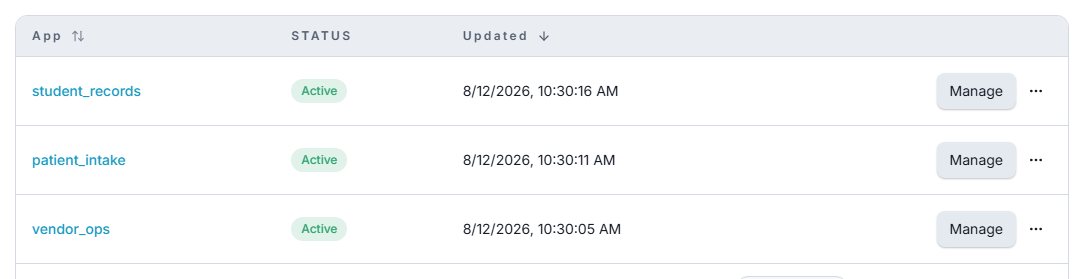
In the console, open Apps and choose New app. Give it a name and create it.
An app is an isolated database with its own users, its own tables, and its own policies. Nothing is shared with your other apps.
The app is created immediately but is not usable until it is provisioned — that is when its database is actually built. Provisioning takes a few seconds; the app's page shows the status and unlocks the remaining sections when it finishes.
Copy the app's id from its settings page. Every data-plane URL begins with it, and the rest of this page assumes you have it to hand.
Create a table
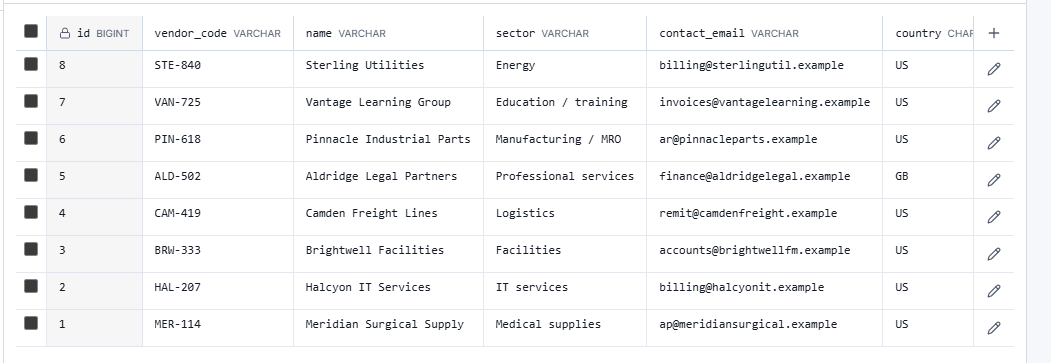
Open the app's Tables section and create a table called notes with two columns beyond
the automatic id and uid (the id stays inside the database; the API names every row by
its uid):
| Column | Type | Notes |
|---|---|---|
title | VARCHAR(255) | |
body | TEXT | Nullable |
Save it. The table now exists, and so does a complete REST API for it — you did not generate anything or write a route.
Create a user
Your app's users are separate from your console account. Create the first one over the API:
curl -X POST "$AUTHORIC_URL/$APP_UID/auth/signup" \
  -H "Content-Type: application/json" \
  -d '{
    "email": "first@example.com",
    "password": "StrongPass!234"
  }'
Sign in and get a token
curl -X POST "$AUTHORIC_URL/$APP_UID/auth/login" \
  -H "Content-Type: application/json" \
  -d '{
    "email": "first@example.com",
    "password": "StrongPass!234"
  }'

# Keep the access token to hand for everything that follows
export TOKEN="<auth.accessToken from the response>"
The signed-in user comes back with an auth object carrying an access token and a refresh
token. Send the access token as a bearer token on everything that follows.
Password is one door among several — magic links, email codes, and Google or GitHub sign-in all end at the same token. See Sign-in methods.
Write and read a row
# Write
curl -X POST "$AUTHORIC_URL/$APP_UID/autocrud/notes" \
  -H "Authorization: Bearer $TOKEN" \
  -H "Content-Type: application/json" \
  -d '{ "title": "First note", "body": "Written over the API." }'

# Read
curl "$AUTHORIC_URL/$APP_UID/autocrud/notes?limit=10&sort=created_at%20DESC" \
  -H "Authorization: Bearer $TOKEN"
Reads come back in a consistent envelope, always with items and paging:
{
  "items": [
    { "uid": "0199a3c2-7f1e-7b4a-9c3d-5e8f2a1b6c90", "title": "First note", "body": "Written over the API." }
  ],
  "paging": { "limit": 10, "offset": null, "count": 1, "total": null }
}
What just happened
The call you made was authorized. It did not succeed because it held a valid token — it succeeded because a policy said that this user may read this table. That check runs on every request, against the principal making it, whether that principal is a person, a script, or an AI agent.
That single idea is what the rest of the documentation builds on.