

Billing
Two separate billing relationships — yours with Authoric, and your customers' with you.
Billing appears at two levels, and keeping them apart prevents most of the confusion.
Your subscription
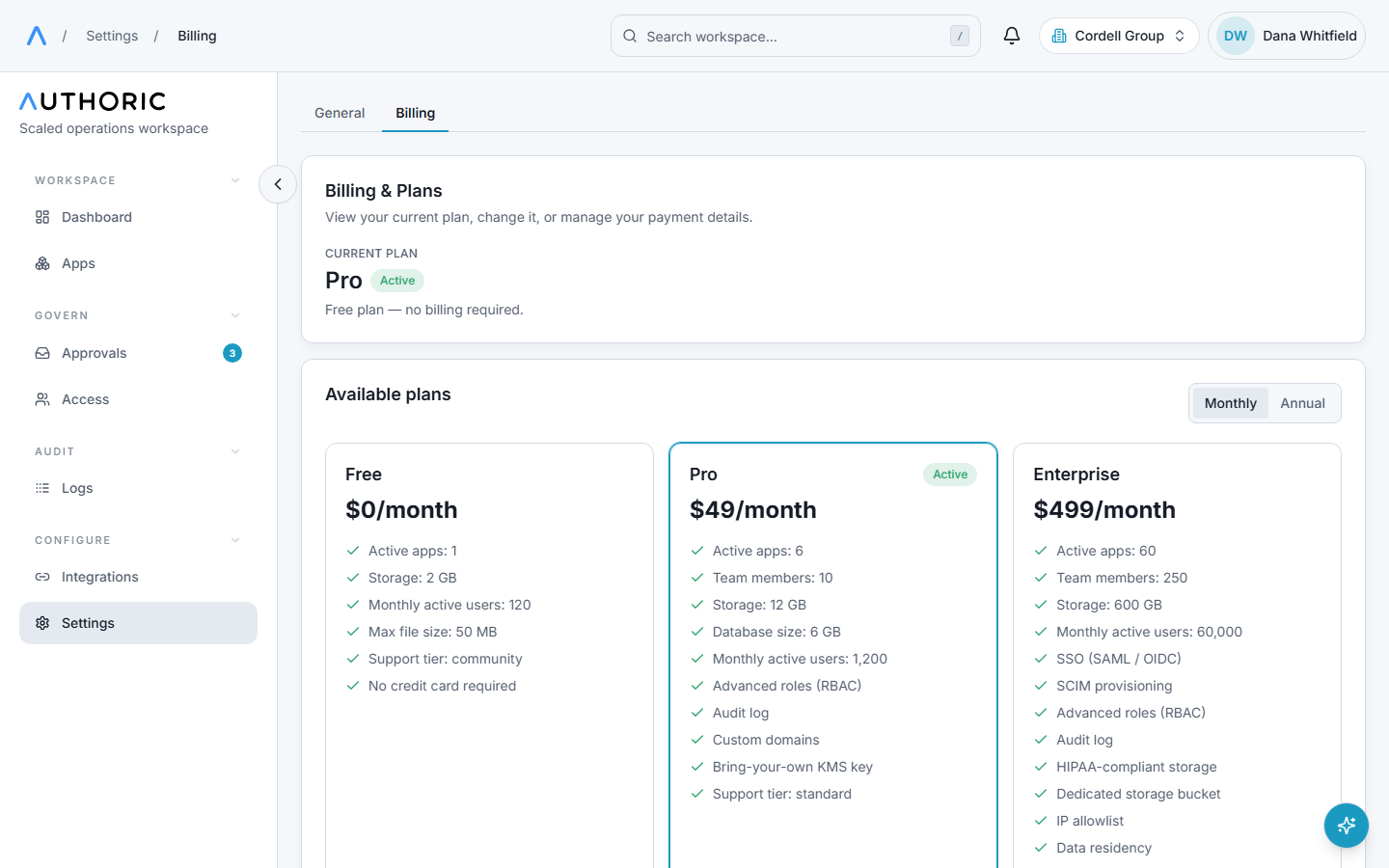
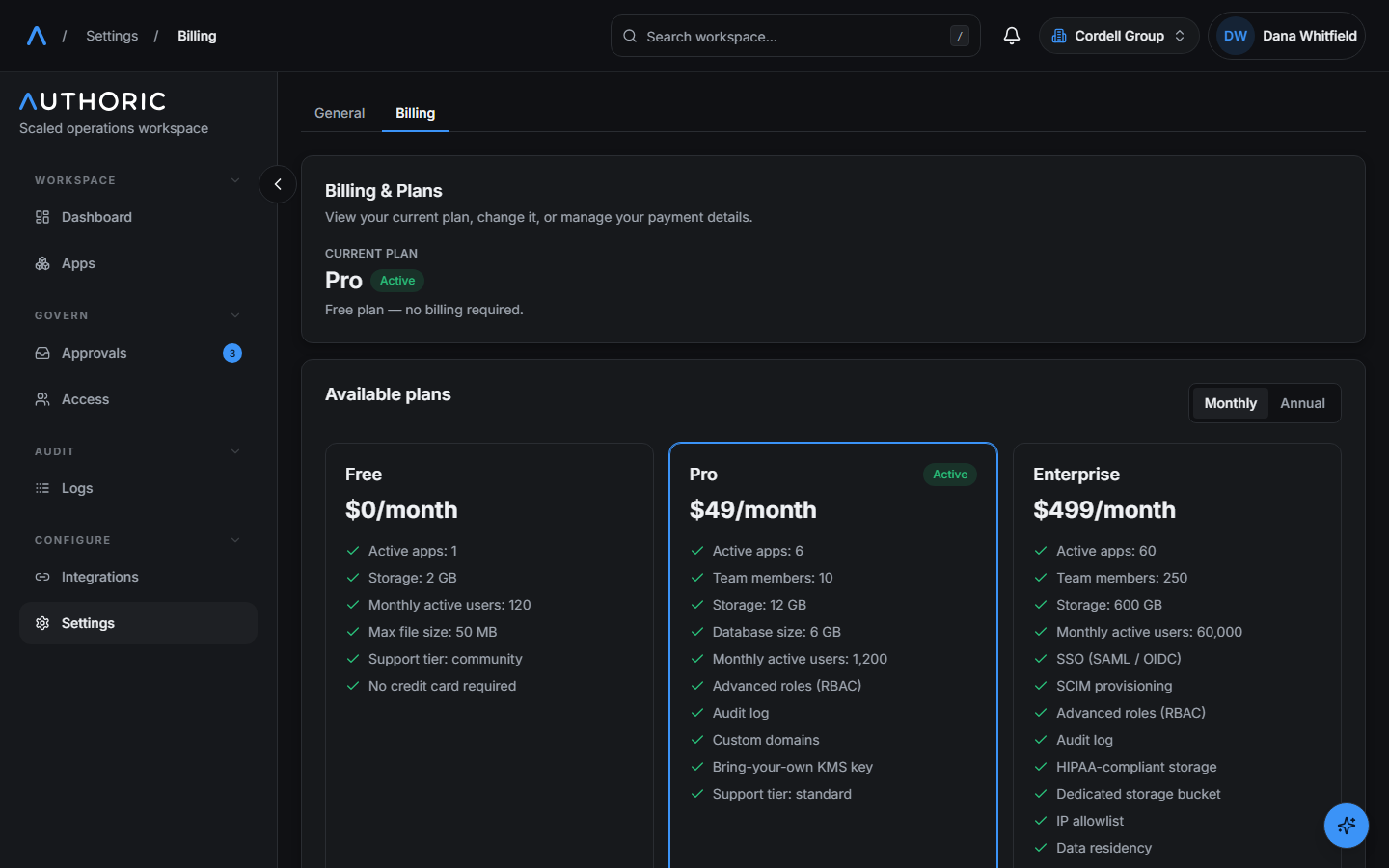
Your organization's plan with Authoric: seats, limits, and which features are enabled. Managed in the console under Billing, it decides things like how many apps and storage buckets you may create, and how many members can be seated.
Plans are versioned. Subscribing binds you to a specific version, so a later change to the catalogue does not silently alter what you already pay for.
Add-ons stack on a plan à la carte and merge into your entitlements.
Your app's own billing
Separate, and optional: your product charging its own customers.
This runs on your Stripe account, connected in the console. Money moves between you and
your customers directly — Authoric is not in the payment path. The catalogue and purchase
records live in your app's own database (products, user_subscriptions, user_orders),
which means they are queryable through the same API as the rest of your data.
Partly shipped
The backend for app-plane billing is built and usable. The self-hosted, app-branded checkout UI is not — you would currently build the buy-side interface yourself. Treat this as available-with-work rather than turnkey.
Test and live Stripe modes are supported per organization, with the mode carried explicitly through every call so a test purchase cannot land against live keys.
Limits and entitlements
Plan limits are enforced where the action happens, not by a nightly reconciliation.
Exceeding one returns SUBSCRIPTION_LIMIT_REACHED; asking for a feature your plan lacks
returns FEATURE_NOT_INCLUDED. Both carry details describing what was exceeded — see the
error-code reference.