

Create an agent
Set up an agent in the console and give it its first capability.
Creating an agent is three decisions: what it is called, what it may do, and which model drives it.
Create it
In your app, open Agents and choose New agent. Give it a name and a description of its job. The description is guidance for the model, not a permission — it shapes behaviour, it does not grant anything.
Give it a role
An agent with no role can do nothing. Assign it a role exactly as you would a person, and the policies bound to that role become its tools.
Start narrower than feels useful. It is easy to add a policy once you can see what the agent tried to do and could not; it is harder to notice something it should never have had.
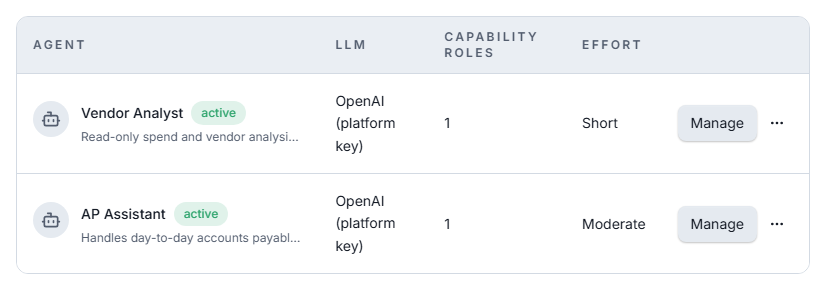
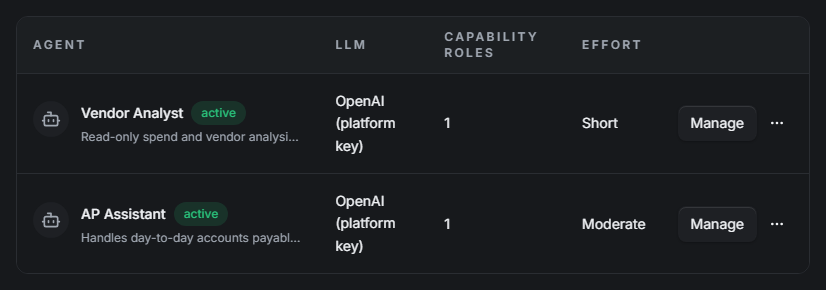
Connect a model
Bind a model to the agent under Connect an LLM. You supply your own OpenAI or Anthropic key — the model provider bills you directly, and the key is stored encrypted.
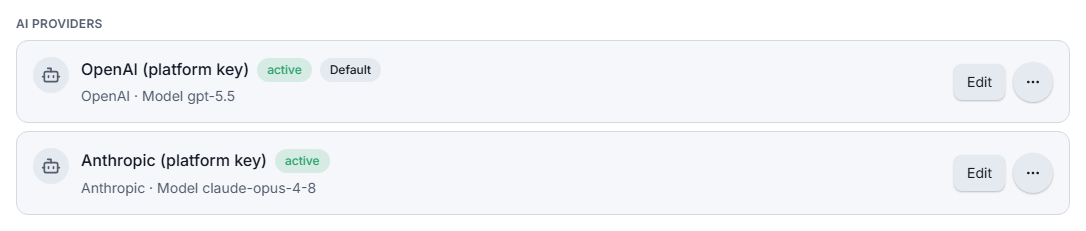
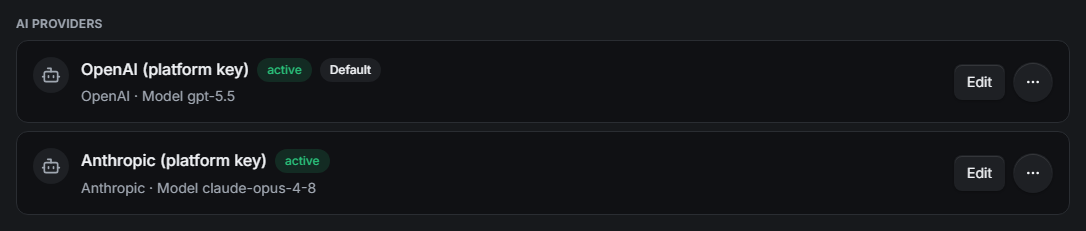
Decide what needs approval
Set the agent's approval posture. Auto-approval is a set of specific triggers rather than a single switch: anything outside the set halts and waits for a person. See Approvals & halts.
Try it
Talk to the agent from the console first. The run timeline shows each step, its arguments, and its outcome — including anything it attempted and was refused, which is the fastest way to find a missing policy.
Checking what it can actually do
Do not infer an agent's reach from its description. Ask it:
curl "$AUTHORIC_URL/$APP_UID/agent/tools" -H "Authorization: Bearer $AGENT_KEY"That list is the truth — derived from policy at the moment you asked.